
Managed WordPress Support Services in the UK vs DIY: Which Is Right for Your Business?
Your WordPress website is often the first point of contact between your business and potential customers. For UK businesses, where online credibility and data protection standards are particularly stringent, maintaining a secure, fast, and reliable website isn’t optional—it’s essential.
Yet many business owners underestimate what’s involved in keeping WordPress running smoothly. Updates need applying, security threats require monitoring, backups must be tested, and performance issues need addressing. The question isn’t whether your site needs ongoing support, but rather who should provide it: a professional service or your own team?
This article compares managed WordPress support services with the DIY approach, helping you determine which option makes most sense for your UK business.
What Are Managed WordPress Support Services?
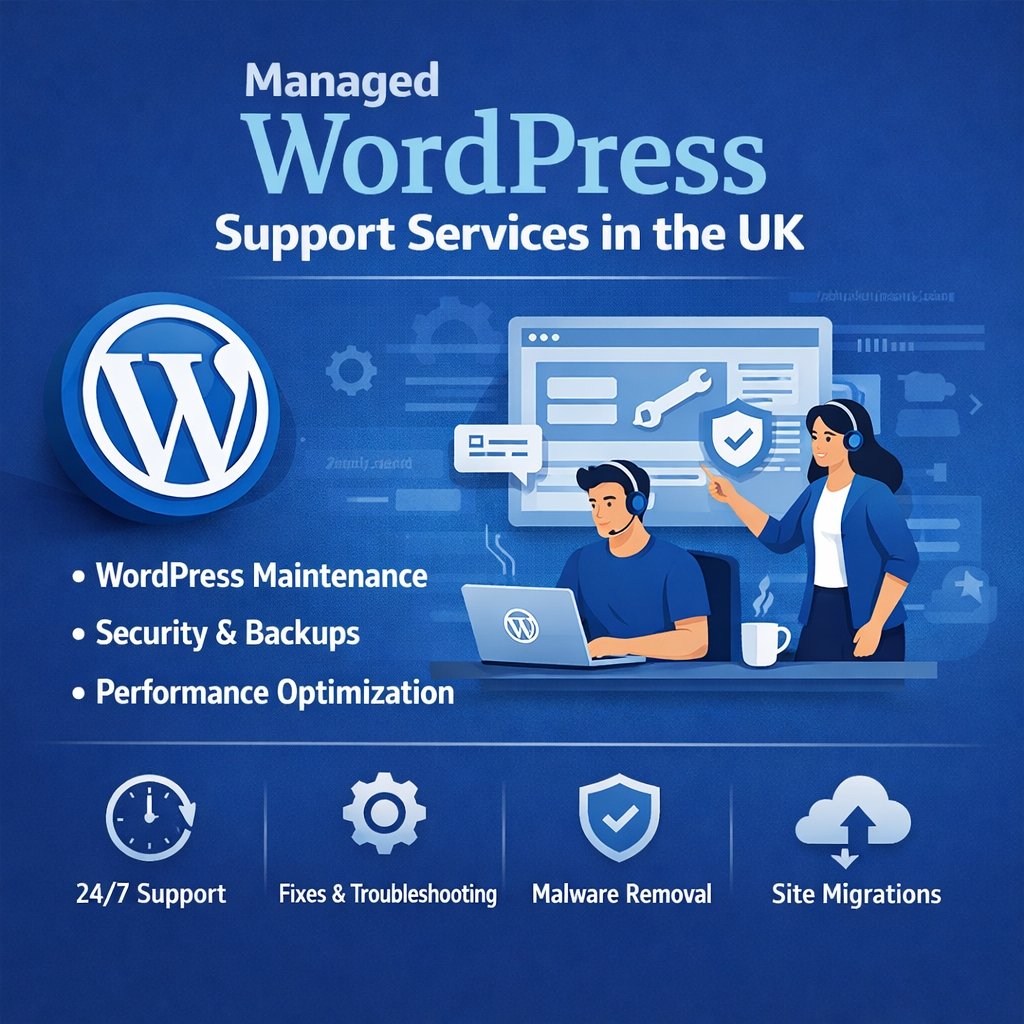
Managed WordPress support services are professional packages where experienced providers handle the technical maintenance and security of your WordPress website on your behalf. Think of it as having an expert team on retainer, monitoring and maintaining your site so you don’t have to.
When you choose WordPress Support Services in the UK, you’re typically getting a comprehensive package that includes several core elements. Most reputable providers handle plugin and theme updates, ensuring your site stays current without breaking functionality. They monitor security around the clock, watching for malware, suspicious activity, and vulnerabilities. Regular backups are created and stored securely, giving you a safety net if something goes wrong.
Performance monitoring is another standard feature. Providers track your site’s speed and uptime, addressing issues before they affect your visitors. When problems do arise, you have direct access to WordPress specialists who can resolve technical issues quickly, often within guaranteed response times.
For UK businesses, many managed services also include compliance support for GDPR requirements, local hosting options for better performance to UK audiences, and support during UK business hours—factors that can make a significant difference when you need help.
What Does DIY WordPress Support Involve?
DIY WordPress support means you or someone on your team takes responsibility for all the technical maintenance your website requires. This isn’t simply “set it and forget it”—it’s an ongoing commitment.
You’ll need to regularly update WordPress core software, themes, and plugins. Each update requires testing to ensure nothing breaks on your site. Security is entirely your responsibility, meaning you’ll install and configure security plugins, monitor for threats, and respond to any incidents. You’ll need to set up and test backup systems, ensuring you can restore your site if disaster strikes.
Performance optimisation falls to you as well. This includes managing caching, optimising images, monitoring site speed, and troubleshooting any slowdowns. When technical issues arise—and they will—you’ll need to diagnose and fix them yourself or find someone who can.
The learning curve can be steep. While WordPress itself is user-friendly, proper maintenance requires understanding PHP, database management, server configurations, and security best practices. You’ll need to invest time staying current with WordPress developments, security threats, and best practices.
Tools are available to help. Free and premium plugins can handle backups, security scanning, and performance monitoring. However, knowing which tools to use, how to configure them properly, and how to interpret their results requires expertise.
Managed WordPress Support Services vs DIY: Key Differences
Understanding the practical differences between these approaches helps clarify which might suit your business better.
Cost structure:
Managed services typically charge £50-£300+ monthly depending on the service level and your site’s complexity. DIY appears free initially, but factor in your time (or your employee’s time) at their hourly rate, plus costs for premium plugins and tools. A business owner spending five hours monthly on WordPress maintenance at a £50/hour rate is actually investing £250 in time alone.
Time investment:
Managed services require virtually no time from you beyond the initial setup and occasional communication. DIY demands regular attention—estimates suggest 3-10 hours monthly for basic maintenance, more when issues arise or updates cause conflicts.
Scalability:
As your site grows in traffic and complexity, managed services scale their resources accordingly. DIY becomes increasingly difficult as your site’s demands grow, potentially reaching a point where you need professional help anyway.
Risk management:
Managed providers typically include insurance, guaranteed uptime, and proven disaster recovery processes. They monitor your site continuously and can respond to threats immediately. With DIY, you’re solely responsible for identifying and responding to security threats, which might happen while you’re focused on running your business.
Expertise required:
Professional services bring years of WordPress-specific experience. They’ve seen and solved problems you haven’t encountered yet. DIY requires you to develop this expertise yourself or rely on online forums and documentation, which can be hit-and-miss.
Support availability:
Managed services offer defined support channels with guaranteed response times. Some UK providers offer 24/7 coverage, while others provide support during business hours. DIY means you’re on your own when problems strike, potentially searching for emergency help at premium rates.
Pros and Cons of Managed WordPress Support Services
Benefits for UK businesses:
Professional managed services deliver peace of mind. You can focus on your core business knowing specialists are protecting and maintaining your website. Response times are typically fast—many providers guarantee initial response within 1-2 hours for urgent issues.
Security is strengthened considerably. Professional teams monitor threat databases, apply security patches promptly, and respond to incidents with expertise most small businesses can’t match internally. For UK businesses handling customer data, this professional approach supports GDPR compliance requirements.
Your site’s performance typically improves under professional management. Providers optimise speed, monitor uptime, and proactively address issues before they impact visitors. This matters in the UK’s competitive online marketplace, where slow sites lose customers to faster competitors.
Risk reduction is perhaps the biggest advantage. Managed services include tested backup systems, disaster recovery plans, and the expertise to restore your site quickly if something goes wrong. Many providers also carry professional indemnity insurance, adding another layer of protection.
Limitations or considerations:
The recurring cost is the obvious consideration. For bootstrapped startups or very small businesses, £100-£200 monthly might feel significant, particularly if cash flow is tight.
You’re dependent on your provider’s competence and reliability. Choosing a poor provider means you’ve paid for service that doesn’t deliver. This makes provider selection critical—you need a reputable company with proven UK WordPress expertise.
Some business owners prefer direct control over their website. Managed services mean someone else has admin access and makes certain decisions. While good providers communicate before making significant changes, you’re trusting them with an important business asset.
Pros and Cons of DIY WordPress Support
DIY WordPress support can be a cost-effective option for small websites, offering flexibility and hands-on control. However, it also comes with limitations such as time investment, technical complexity, and higher risk of errors or security issues without expert oversight.
When DIY makes sense:
DIY can work well for very small businesses in their early stages, particularly if you genuinely enjoy technical work and have time to invest. A simple brochure website with low traffic and minimal functionality doesn’t require the same expertise as a complex eCommerce site.
If someone on your team already possesses WordPress expertise and has capacity in their role, handling maintenance internally might be efficient. Some businesses employ developers or technically skilled staff who can competently manage WordPress as part of their broader responsibilities.
Budget constraints sometimes make DIY the only immediate option. If your business is genuinely unable to afford managed services, DIY allows you to maintain your website until you can budget for professional support.
Learning WordPress maintenance can be personally satisfying and gives you deeper understanding of how your website works. Some business owners value this knowledge and enjoy the hands-on involvement.
Common risks and hidden costs:
Security vulnerabilities represent the most serious risk. A hacked website can mean data breaches (with GDPR implications in the UK), lost revenue, damaged reputation, and expensive emergency repairs. DIY site owners often don’t notice security issues until significant damage has occurred.
Downtime is costly. If your site goes down and you’re troubleshooting the problem yourself, you’re losing both the revenue that site would generate and the time you could spend on business activities. For eCommerce sites, even a few hours of downtime can mean thousands in lost sales.
The opportunity cost is frequently overlooked. Every hour you spend on WordPress maintenance is an hour not spent on strategy, sales, product development, or customer service—activities that likely generate more value for your business than website maintenance.
Mistakes can be expensive. Without proper expertise, it’s easy to make errors that break your site, damage its SEO, or create security vulnerabilities. Fixing these mistakes often costs more than professional maintenance would have cost in the first place.
Updates sometimes cause conflicts between plugins or themes. Diagnosing and resolving these issues requires technical knowledge. Many DIY site owners solve this by simply avoiding updates, which leaves their sites increasingly vulnerable to security threats.
Which Option Is Right for Your Business?
Several factors should inform your decision.
Consider managed WordPress support services if:
Your website generates significant revenue or leads. If your site directly contributes to your income, professional maintenance is a business expense that protects that revenue stream. Even small amounts of downtime or poor performance can cost more than managed services would.
You handle customer data or eCommerce transactions. The security and compliance requirements make professional support almost essential for UK businesses in these categories. The regulatory risk of a data breach typically outweighs the cost of proper security.
You lack in-house WordPress expertise. If neither you nor your team have solid WordPress knowledge, you’ll spend excessive time learning or making costly mistakes. Professional services deliver better results more efficiently.
Your website is complex with multiple integrations, custom functionality, or high traffic volumes. Complex sites require expert maintenance—attempting DIY here often leads to problems.
Your time is better spent elsewhere. If your hourly value to the business exceeds the cost of managed services, the mathematics favour outsourcing maintenance.
You’re growing and need reliability. Businesses in growth phases can’t afford website problems disrupting momentum. Professional support ensures your website scales with your business.
DIY might work if:
Your website is simple with basic functionality and low traffic. A straightforward brochure site doesn’t demand the same expertise as complex builds.
You have genuine technical expertise and capacity. If someone on your team understands WordPress thoroughly and has time allocated for maintenance, DIY can be viable.
Your budget is extremely tight and your site isn’t business-critical. Very early-stage startups sometimes need to DIY initially, though this should be temporary.
You’re willing to invest significant time learning. If you view WordPress maintenance as a skill worth developing and have time to invest, DIY provides that learning opportunity.
UK-specific considerations:
Data protection regulations mean UK businesses face serious consequences for security breaches. Professional services help ensure GDPR compliance and proper security measures.
Local hosting and support can matter. When issues arise during UK business hours, having a UK-based provider means faster response times and better communication.
Downtime has different implications for different businesses. Consider when your peak traffic occurs and what downtime would cost. A restaurant booking site going down Friday evening, or an eCommerce site failing during a promotion, can have serious revenue implications.
Conclusion
The choice between managed WordPress support services and DIY isn’t about which approach is universally better—it’s about which serves your specific business needs more effectively.
Managed services make sense for most UK businesses once they’re past the earliest startup phase. The combination of expertise, security, time savings, and risk reduction typically justifies the investment, particularly for businesses where their website directly impacts revenue or handles customer data.
DIY can work for very simple sites or businesses with genuine technical expertise in-house, but the hidden costs in time, risk, and opportunity often exceed the apparent savings.
Consider what your website means to your business. If it’s central to how you generate revenue, acquire customers, or deliver services, professional management is a business investment, not an expense. If it’s a simple online presence with minimal traffic and functionality, DIY might suffice temporarily.
Whatever you choose, make an informed decision based on your circumstances rather than simply defaulting to the cheapest option. Your website deserves the level of support that matches its importance to your business.
Resources:
FAQs
How much do managed WordPress support services cost in the UK?
UK managed WordPress support ranges from £50-£300+ monthly depending on complexity. Basic plans start at £50-£100, mid-tier £100-£200, and premium £200-£300+. Compare this to DIY hidden costs: 5-10 hours monthly of your time, premium plugins, and potential security breach expenses running into thousands.
What’s included in typical managed WordPress support services?
Managed services include WordPress updates, 24/7 security monitoring, automated backups, performance optimization, expert technical support with 1-2 hour response times, uptime monitoring (99.9% guarantee), GDPR compliance support, and emergency site recovery.
Is DIY WordPress maintenance risky for UK businesses?
Yes. DIY risks include security vulnerabilities leading to GDPR fines up to £17.5m, extended downtime costing revenue, broken functionality from updates, SEO damage, and data loss from inadequate backups. Fine for simple sites but risky for eCommerce or data-handling businesses.
How do I know if my business needs managed WordPress support?
You need managed support if your site generates revenue, handles customer data, lacks in-house expertise, receives 1,000+ daily visitors, has complex functionality, or if your hourly value exceeds £50-£100. DIY suits only simple, low-traffic sites with tight budgets.
Can I switch from DIY to managed support (or vice versa) later?
Yes, you can switch anytime. Onboarding takes 1-2 weeks with most UK providers. Many businesses start DIY then upgrade as they grow. No penalties—just match your support approach to current business needs and budget.